 88697c68bb
They should be in the lines, but the problem is that this causes issues
in the .mdx files.

License header doesn't really make sense for .md files anyway
7.8 KiB
Examples
These examples demonstrate the main features of Slint and how to use them in different language environments.
| Thumbnail | Description | Example |
|---|---|---|
| Widget Gallery |
A simple application showing the different widgets. Project... |
Wasm Demo |
| Energy Meter |
A fictional user interface of a device that monitors energy consumption in a building. Project... |
Wasm Demo |
| Todo app |
A simple todo application. Project... A simple todo application based on the Model View Controller pattern. Project... |
Wasm Demo Wasm MVC Demo |
Carousel |
A custom carousel widget that can be controlled by touch, mouse and keyboard. Project... |
Wasm Demo |
| Slide Puzzle |
Puzzle game based on a Flutter example. Project... |
Wasm Demo |
| Memory Game |
A basic memory game used as an example the tutorial. Project... |
Wasm Demo |
IOT Dashboard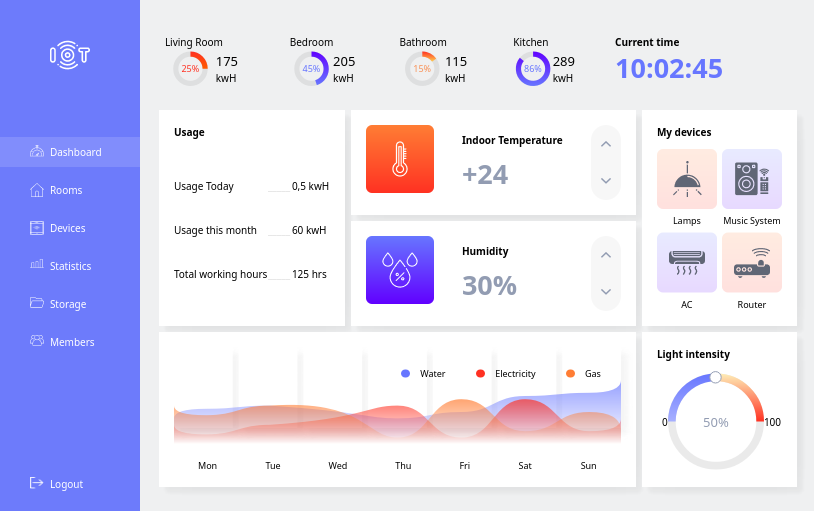 |
AA clone of one demo from the QSkinny framework. Also shows how to dynamically load widgets from C++. Project... |
|
| Image Filter |
A Rust-only example that shows how to use the Rust image crate to do image manipulationsand feed the result into Slint. Project... |
Wasm Demo |
Plotter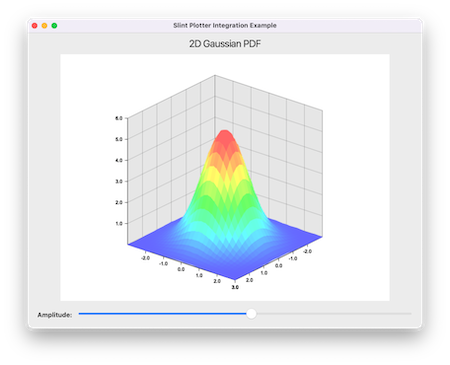 |
A Rust-only example that shows how to use the Rust plotters crate to do plot a graph and integrate the result into Slint. Project... |
Wasm Demo |
| Using Bash |
Some examples of how to use the slint-viewer to add a GUI to shell scripts. Project... |
|
OpenGL Underlay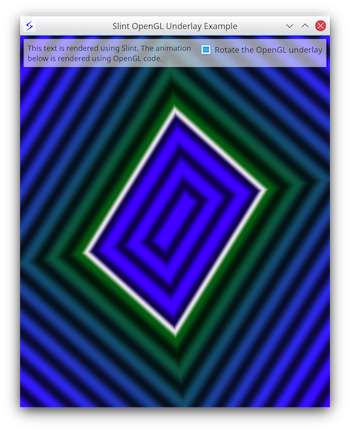 |
A Rust and C++ example that shows how render Slint on top of graphical effect rendered using custom OpenGL code. Project... |
Wasm Demo |
| OpenGL |
A Rust and C++ example that shows how render a scene with custom OpenGL code into a texture and render that texture within a Slint scene. Project... |
|
| FFmpeg |
A Rust example that shows how render video frames with FFmpeg within a Slint scene. Project... |
|
| Maps |
A rust example that load image tiles asynchronously from OpenStreetMap server and allow panning and zooming. Project... |
|
Virtual Keyboard |
A Rust and C++ example that shows how to implement a custom virtual keyboard in Slint. Project... |
|
7GUIs |
Our implementations of the "7GUIs" Tasks. Project... |
|
| Slint & Bevy |
A demo that shows how to embed Bevy into Slint Project... |
External examples
| Thumbnail | Description |
|---|---|
Cargo UI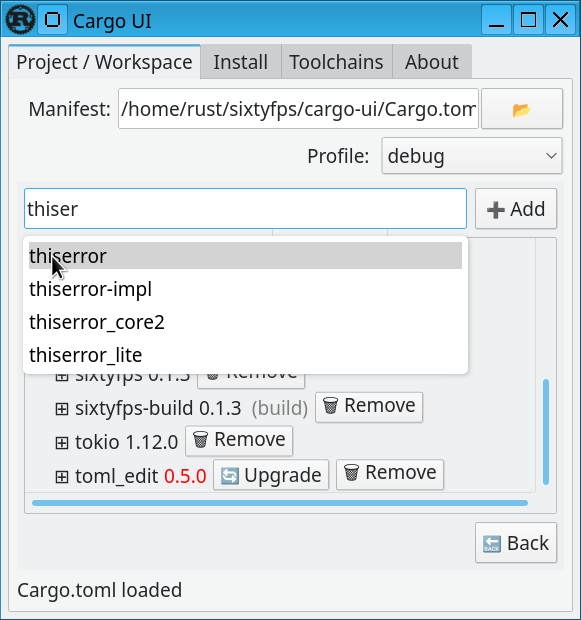 |
A rust application that makes use of threads in the background. Project... |
Loading the example with the viewer
Simply load the .slint file with the viewer application
cargo run --release --bin slint-viewer -- examples/gallery/gallery.slint
Running the Rust Examples
You can run the examples either by going into folder or into the rust sub-folder and use cargo run, for example:
cd examples/gallery
cargo run --release
or you can run them from anywhere in the Cargo workspace by name:
cargo run --release --bin gallery
Wasm builds
In order to make the wasm build of the example, you first need to edit the Cargo.toml
files to uncomment the line starting with #wasm# (or use the sed line bellow)
You can then use wasm-pack (which you may need to obtain with cargo install wasm-pack).
This will generate the wasm in the ./pkg directory, which the index.html file will open.
Since wasm files cannot be served from file:// URL, you need to open a wab server to serve
the content
cd examples/imagefilter/rust
sed -i "s/^#wasm# //" Cargo.toml
wasm-pack build --release --target web
python3 -m http.server
Running the C++ Examples
- When compiling Slint from sources: If you follow the C++ build instructions, this will build the C++ examples as well by default
- From installed binary packages: Simply run cmake in one of the example directory containing a CMakeLists.txt
mkdir build && cd build
cmake -GNinja -DCMAKE_PREFIX_PATH="<path to installed>" ..
cmake --build .
Running the Node Examples
You can run the examples by going into the node sub-folder and use pnpm, for example:
cd examples/todo/node
pnpm install
pnpm start